Ask your Agent
Plan changes together, then your agent makes them in KiCad. KiCad checks each change, and any change can be undone.
 Arbol Form
Arbol Form works with KiCad® on your computer. Plan with your agent, let it do the work, and check every change before it's saved.
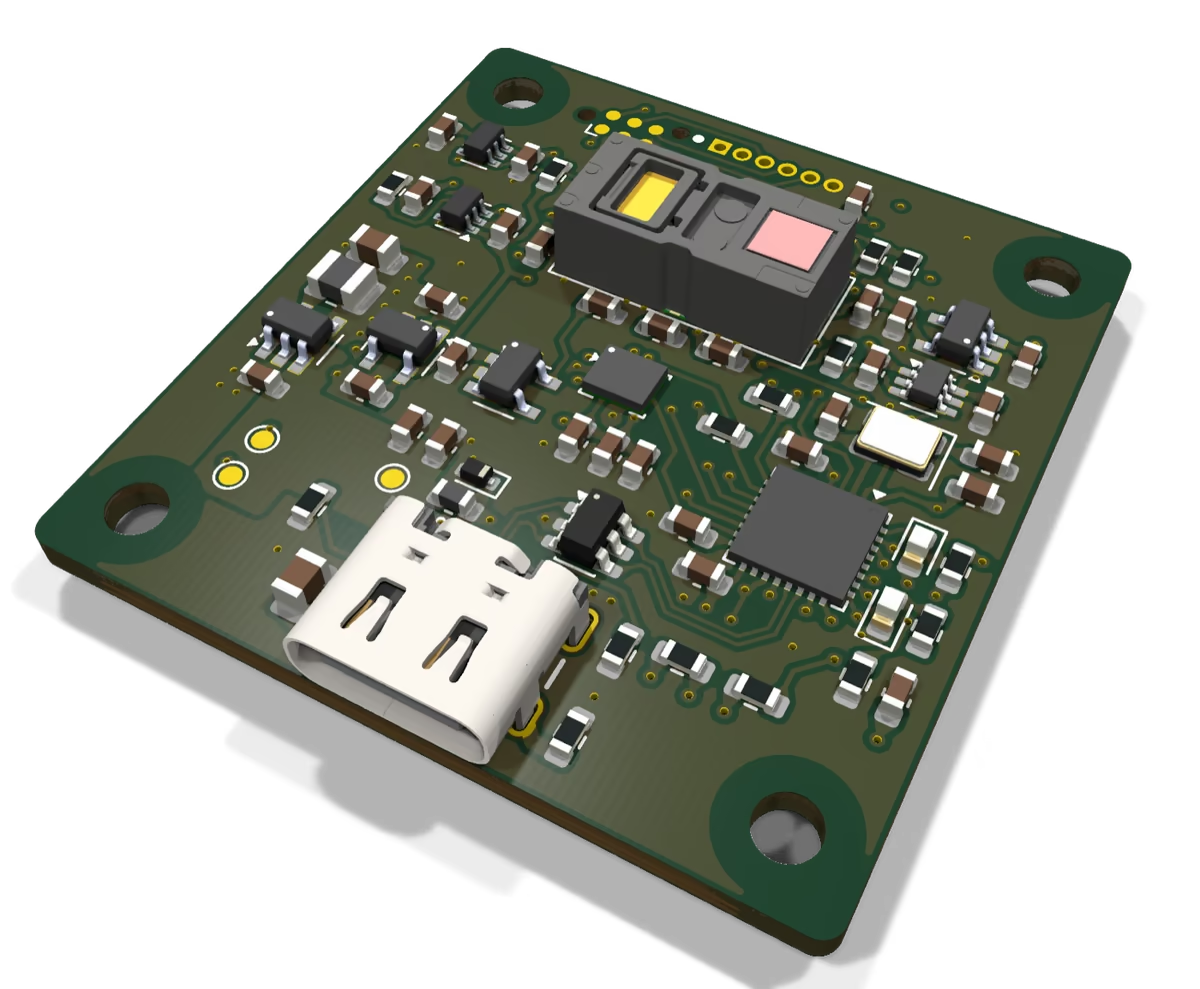
Plan changes together, then your agent makes them in KiCad. KiCad checks each change, and any change can be undone.
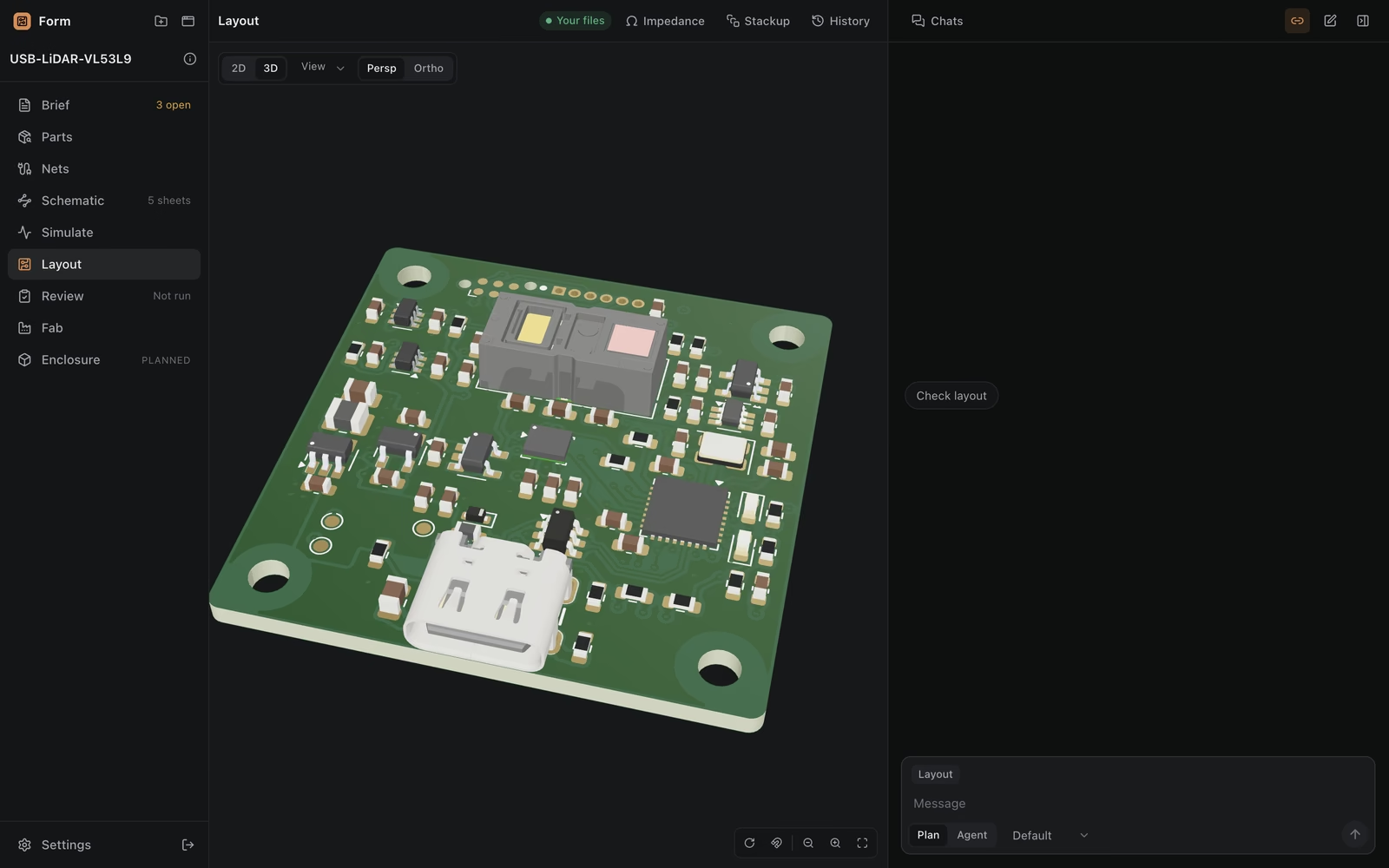
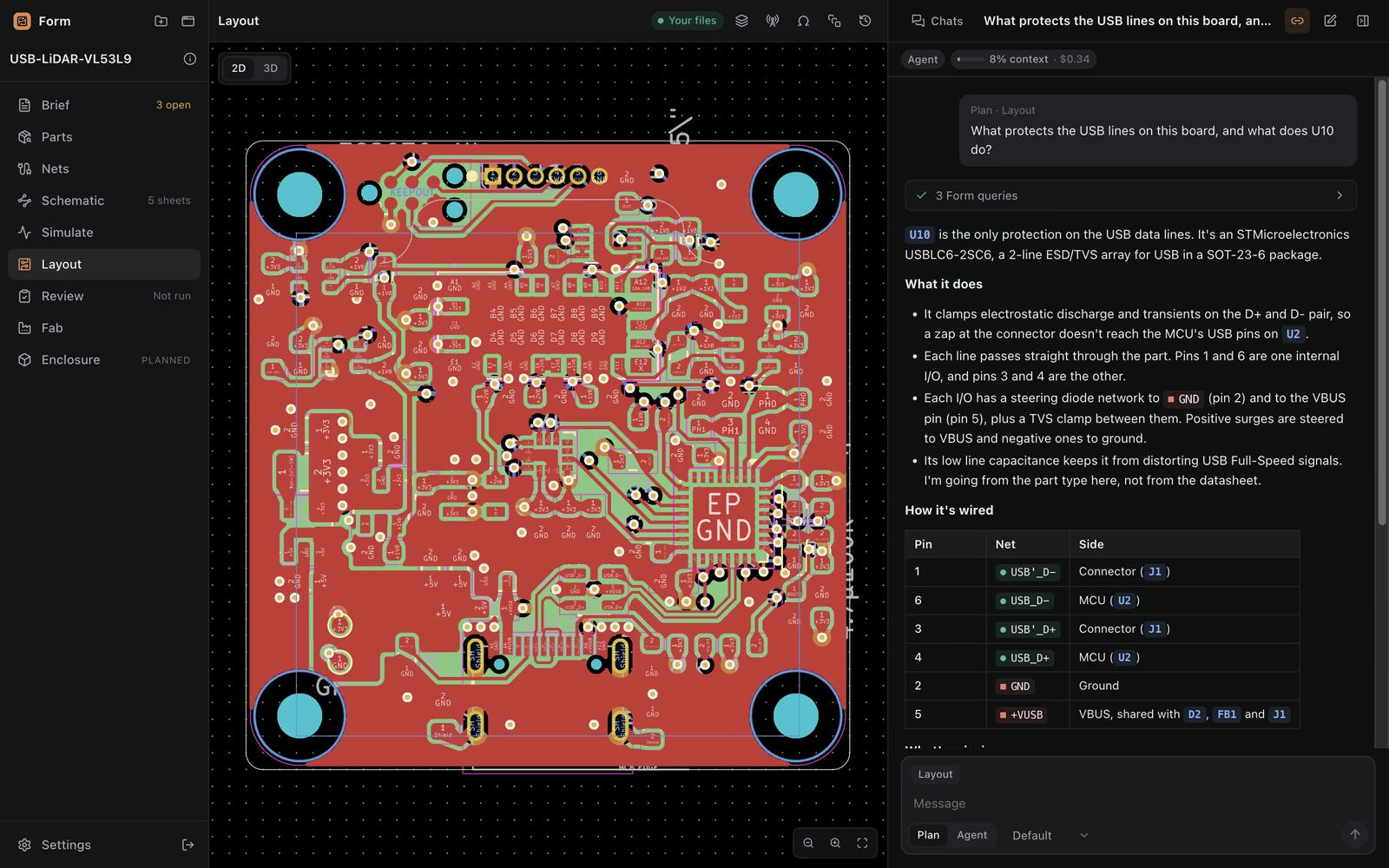
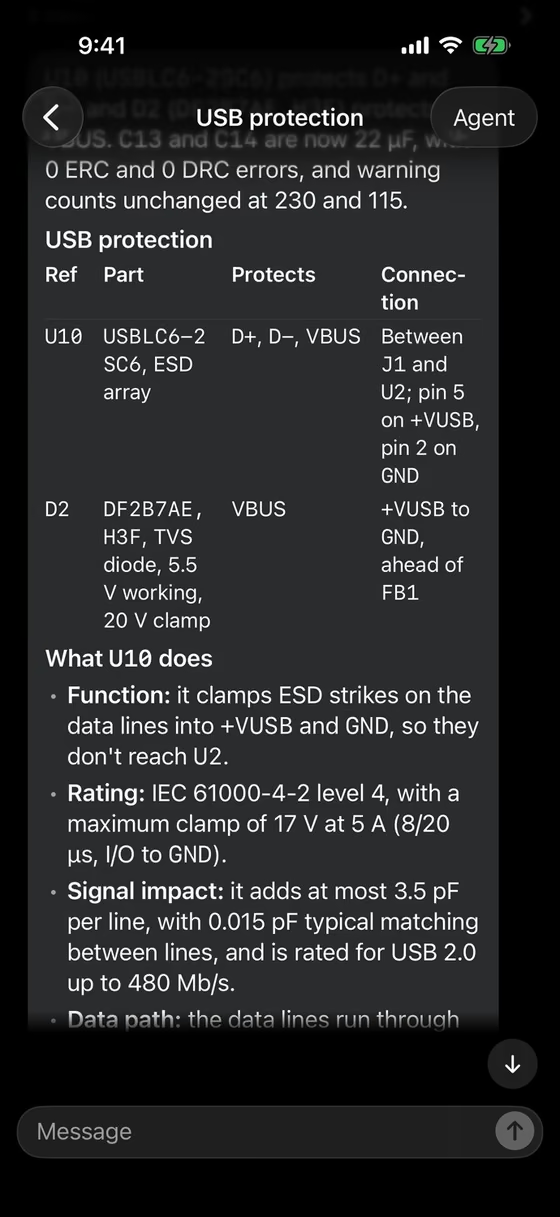
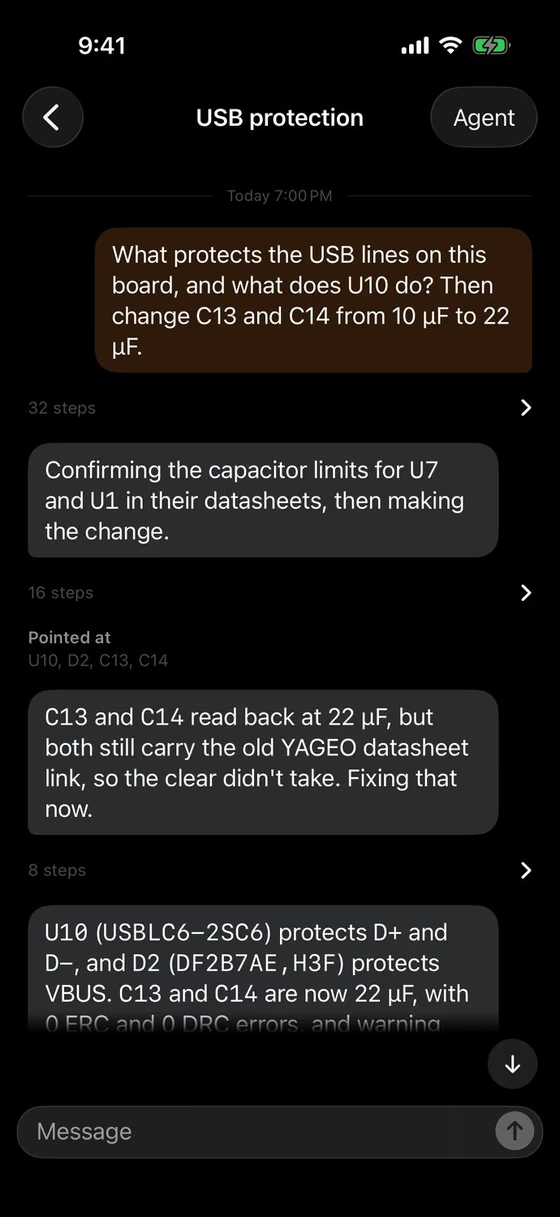
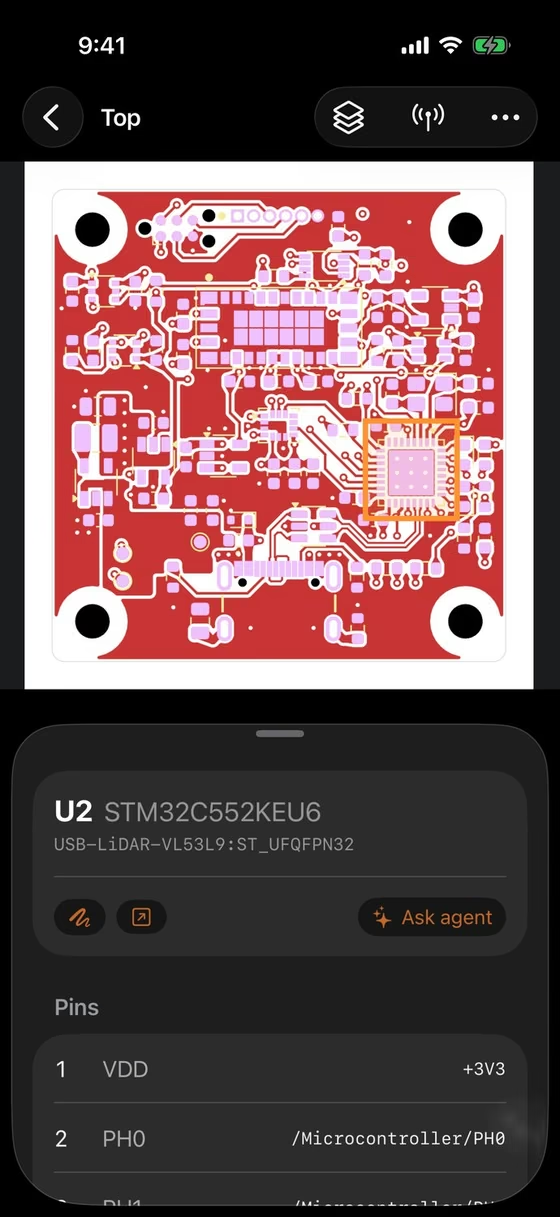
Board, schematic, 3D and every part beside the conversation, on your computer and your iPhone.
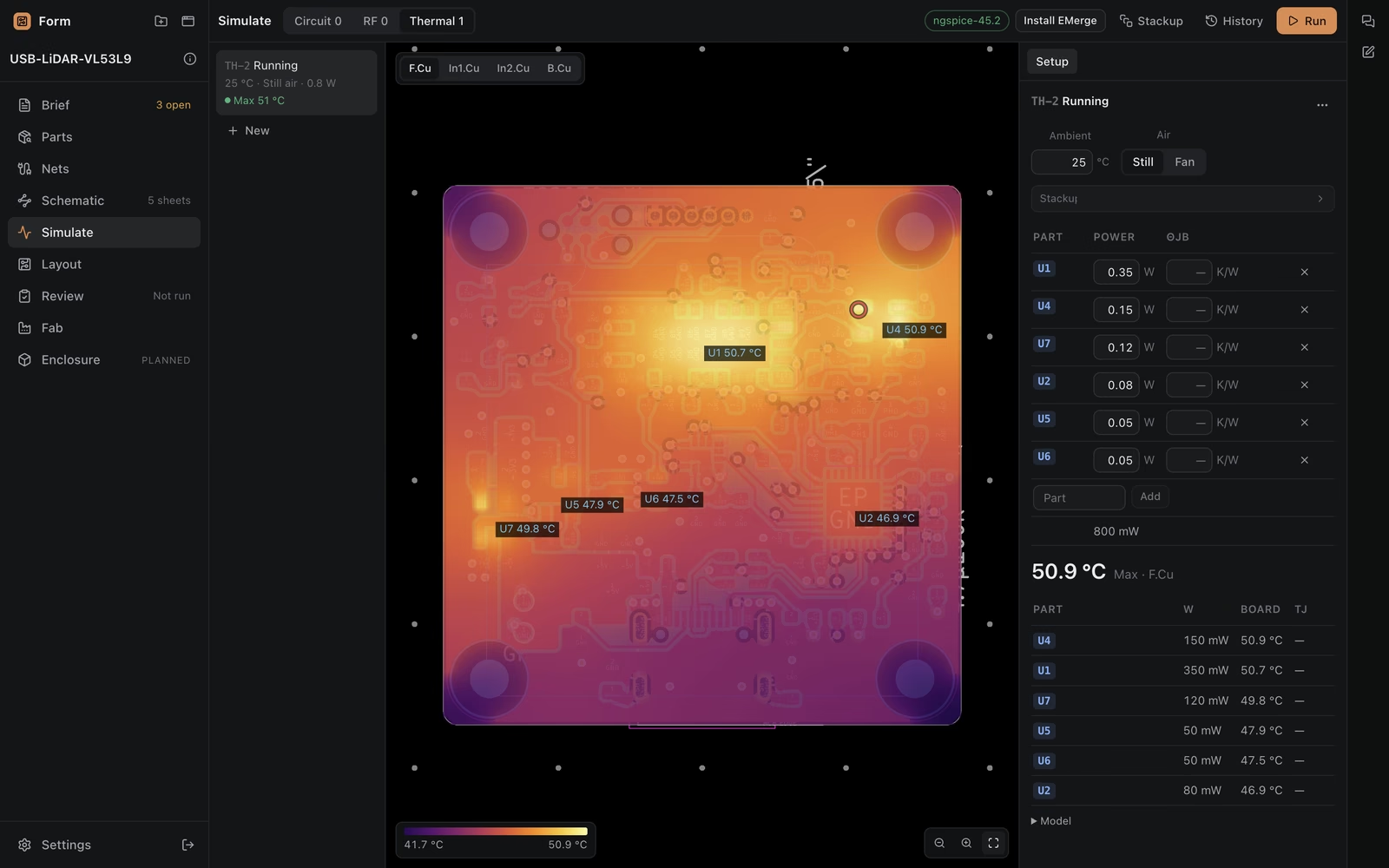
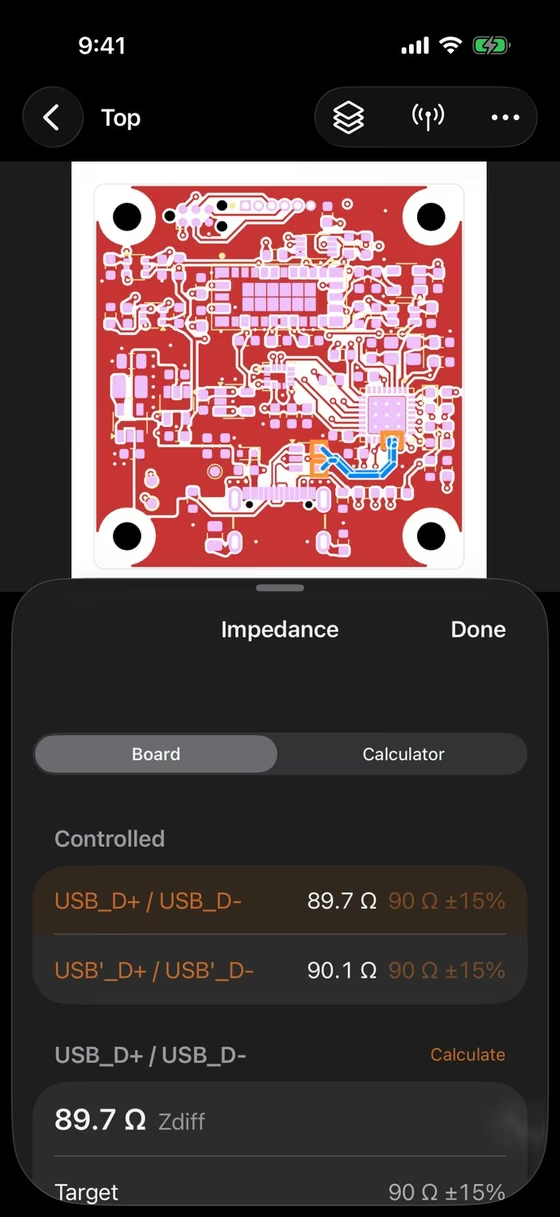
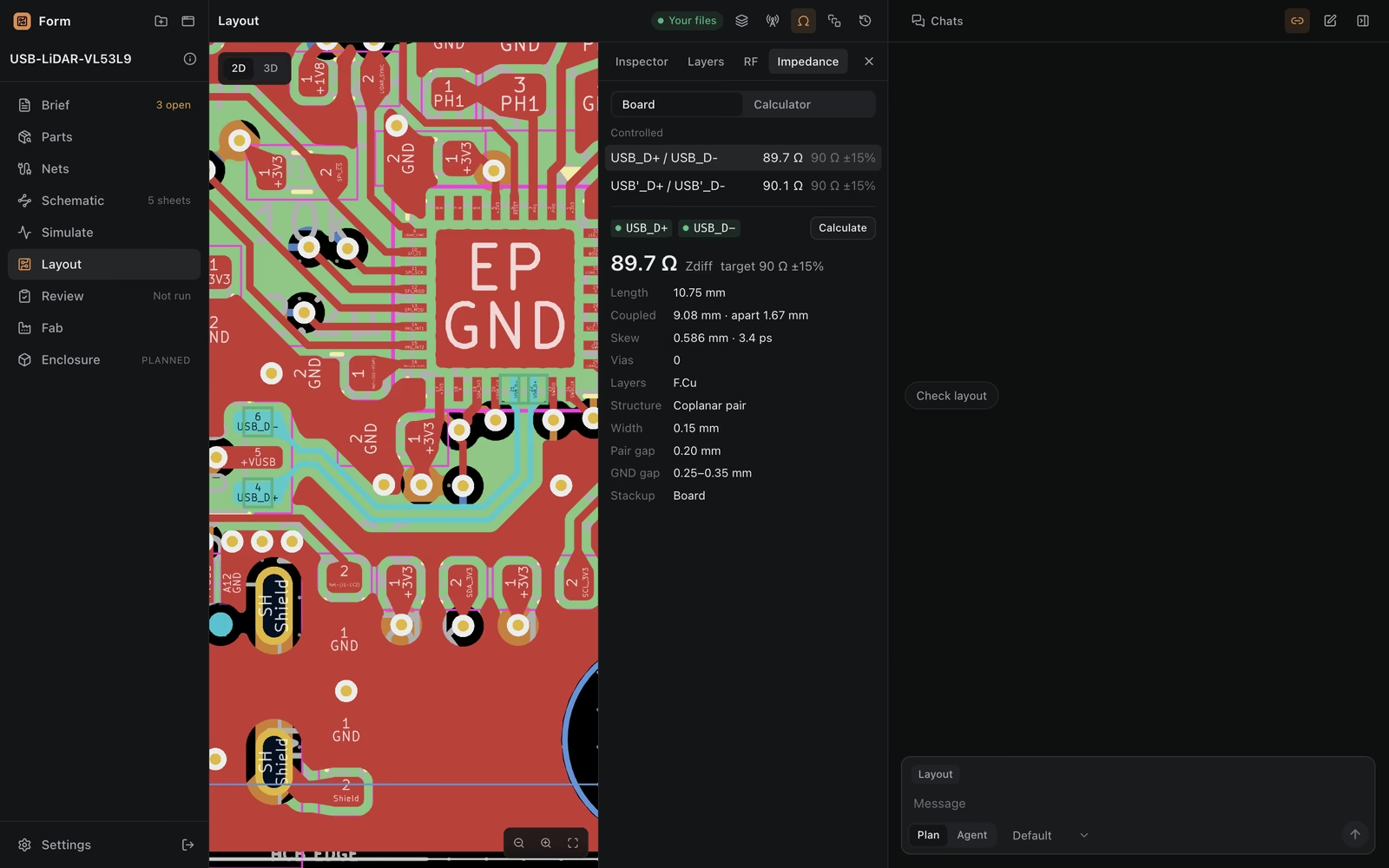
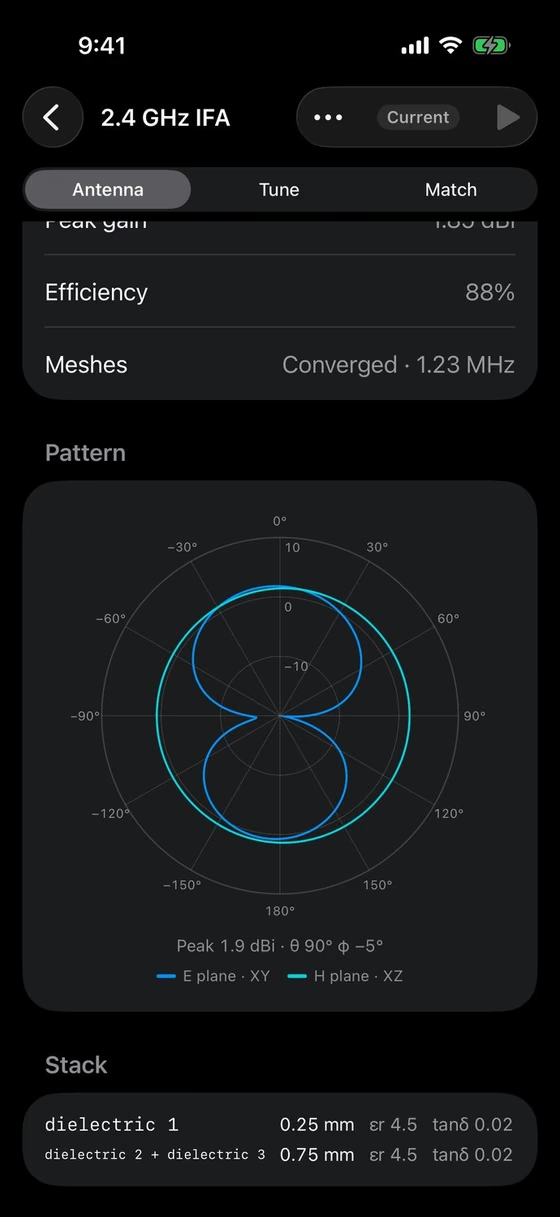
Impedance, thermal, SPICE and RF on your real board, before you order.
Arbol Form runs on your own computer, with no account. The iPhone app gives you remote access away from your desk, over your network or a private VPN.
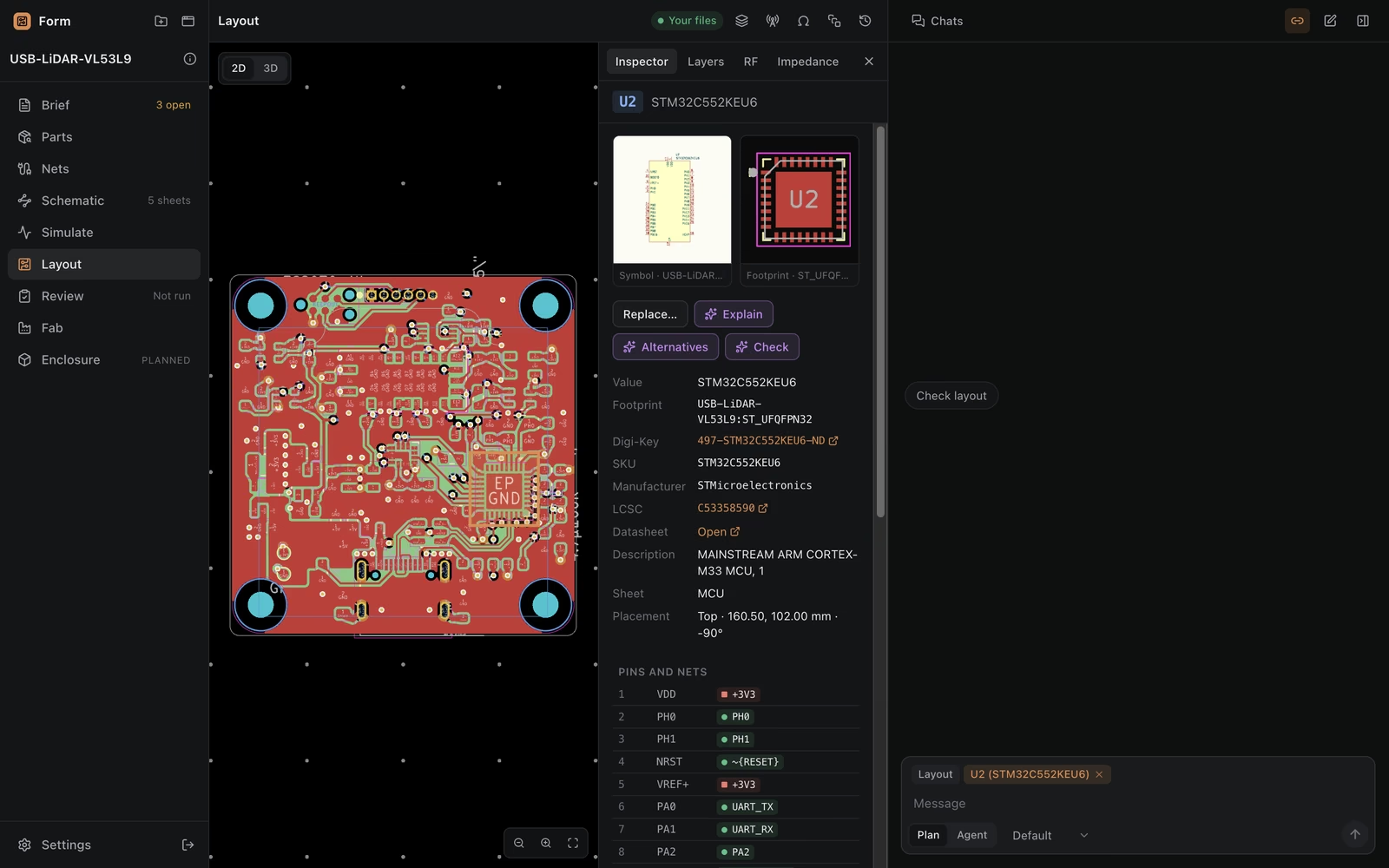
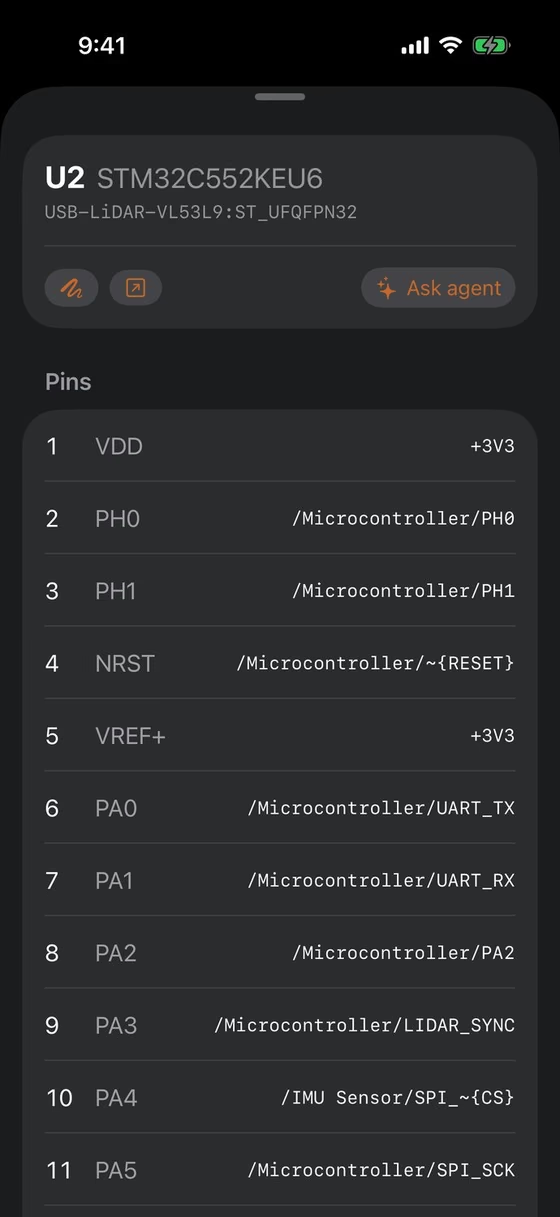
Search your libraries and the parts you've used before, make checked symbols and footprints from datasheets, and replace a part with the schematic and board updated to match.
A step-by-step plan covers net classes, stackup, edges and placement. Routing then goes one net or group at a time, never through an autorouter.
Build panels with KiKit, then fabrication outputs and order notes. JLCPCB is supported.
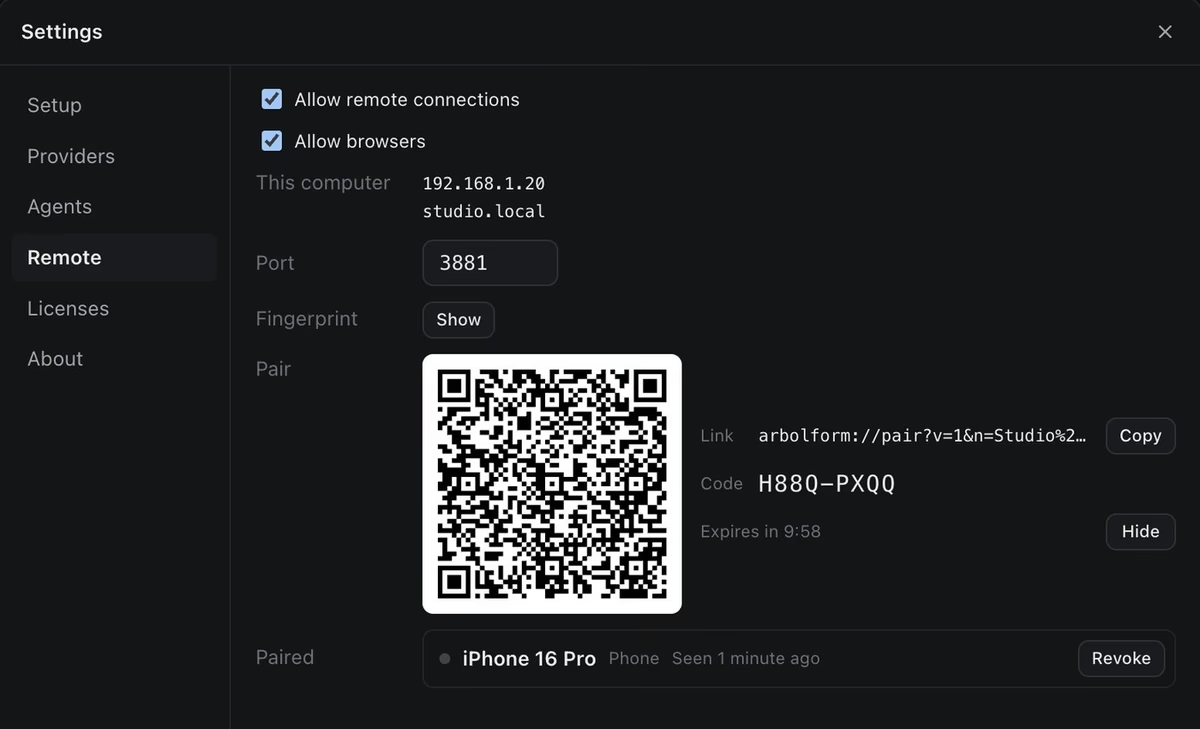
Arbol Form runs on your computer. Pair your iPhone from Settings › Remote › Pair, then reach your computer directly, on your network or over a private VPN.
Yes. Arbol Form is free to download and use, and you don't need an account.
Yes. You can use Arbol Form for personal or commercial work, and Arbol Form adds no restrictions of its own. The open-source software it works with, such as KiCad, KiKit and EMerge, comes with its own licenses, and you need to follow those as well. The boards you design are yours.
Not on its own, and we don't recommend asking it to. Arbol Form can help with layout: your agent works from a plan, follows established PCB design guidelines, and takes the board in order and in small steps, each one checked and each one undoable. Letting an AI lay out a whole board, though, is not a proven way to design boards. Even professional EDA software, whose autorouters handle parts of a board, leaves the layout of a whole system to engineers. Use Arbol Form to plan your layout, check it, and carry out well-defined pieces of it, with you deciding each step.
Arbol Form doesn't come with an AI model. You use your own coding agent, signed in with your own account: any command-line coding agent that streams JSON, or any Agent Client Protocol agent. Your agent's provider bills you as usual, and Arbol Form never holds your agent's credentials.
Arbol Form runs on your computer and keeps your design there; it has no cloud service of its own. Your agent, though, sends what it reads, including your design files, to its provider under that provider's terms. Arbol Form also sends anonymous usage statistics that never include your design, and you can turn them off in Settings › About. The privacy policy has the details.
Yes. Arbol Form works with KiCad 9 or 10 installed on your computer. It reads and changes your KiCad project files, and it uses KiCad to check every change before it's saved.
Changes go through Arbol Form's own tools, which check them with KiCad before anything is saved, and every change becomes a step in your design's history that you can undo. In Plan mode, your agent plans with you and doesn't change your design files at all.
It gives you remote access to Arbol Form on your computer when you're away from your desk. You can look through the board, schematic and parts, chat with your agent, and see simulation results. Your iPhone connects straight to your computer, on your network or over a private VPN, and nothing passes through our servers. You can use Arbol Form without it.
They are engineering estimates made with established methods: a 2D field solver for impedance, the ngspice circuit simulator bundled with KiCad, a thermal model of your board, and the EMerge 3D electromagnetic solver for RF. They're good for comparing options and catching problems early. For anything critical, such as an order with controlled impedance, confirm the numbers with your fab and test your boards.
Not yet. The source of Arbol Form Core, the engine and web interface at the heart of Arbol Form, will be published once it passes our internal review, and community development is highly encouraged. The desktop and iPhone apps are free to use, but their source isn't published.
64-bit
Coming soon64-bit AppImage
Coming soonTry Arbol Form for iPhone on TestFlight. It gives you remote access to Arbol Form on your computer, so your board, your parts and your agent come with you when you leave your desk.
Open Source
The source of Arbol Form Core, the engine and web interface at the heart of Arbol Form, will be published once it passes our internal review. Community development is highly encouraged.
Arbol Form is free and needs no account. It runs on your own computer, on Mac, Windows or Linux with KiCad 9 or 10, and the iPhone app gives you remote access to it when you're away from your desk. An Android app will follow.